 BeforeAfter
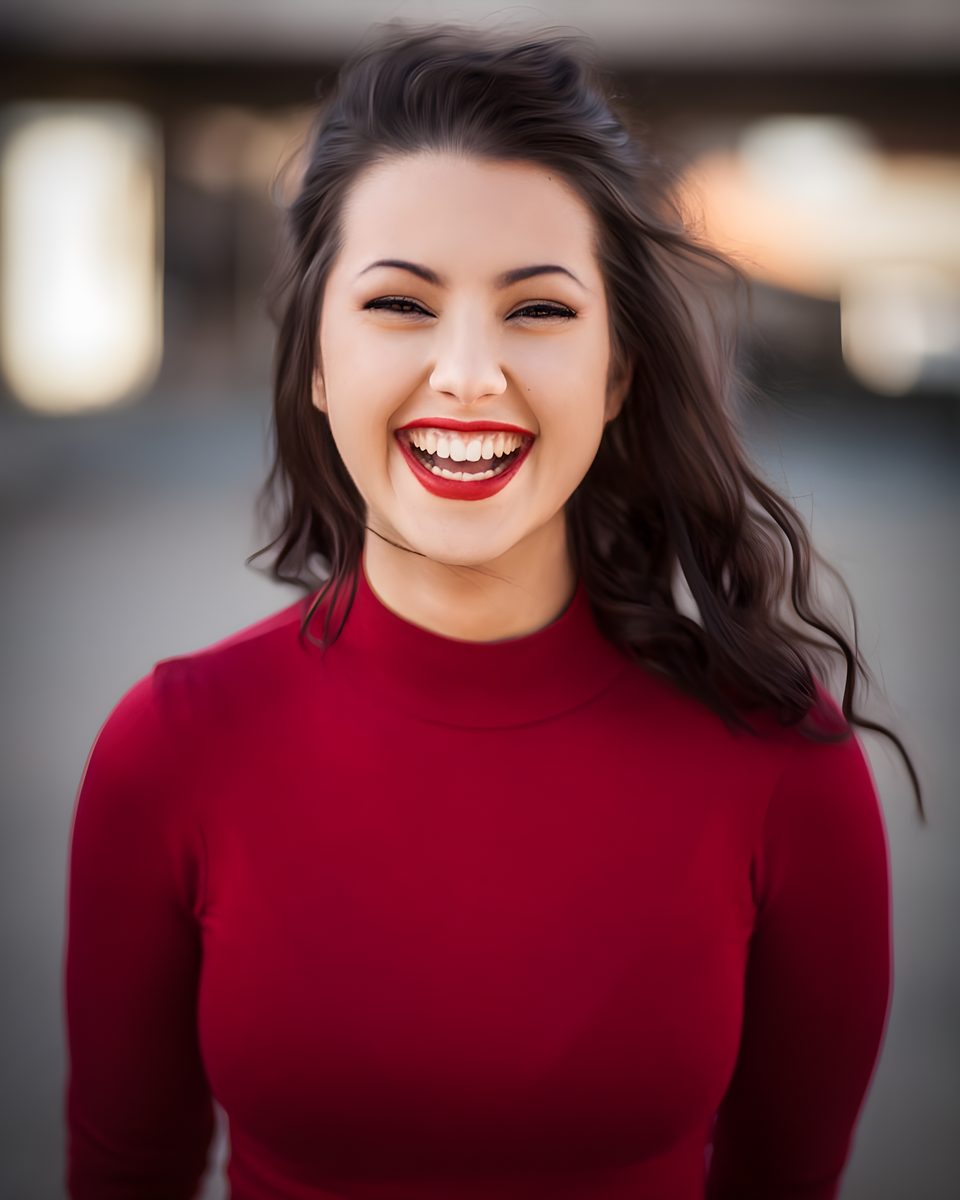
Portrait detail
Recover facial texture for avatars and headshots.
Upscale portraits, products, and artwork to 2K / 4K / 8K · Reduce pixelation · No added watermark
Choose resolution
From portraits to product stills — sharper detail without a desktop suite.
BeforeAfterPortrait detail
Recover facial texture for avatars and headshots.
 BeforeAfter
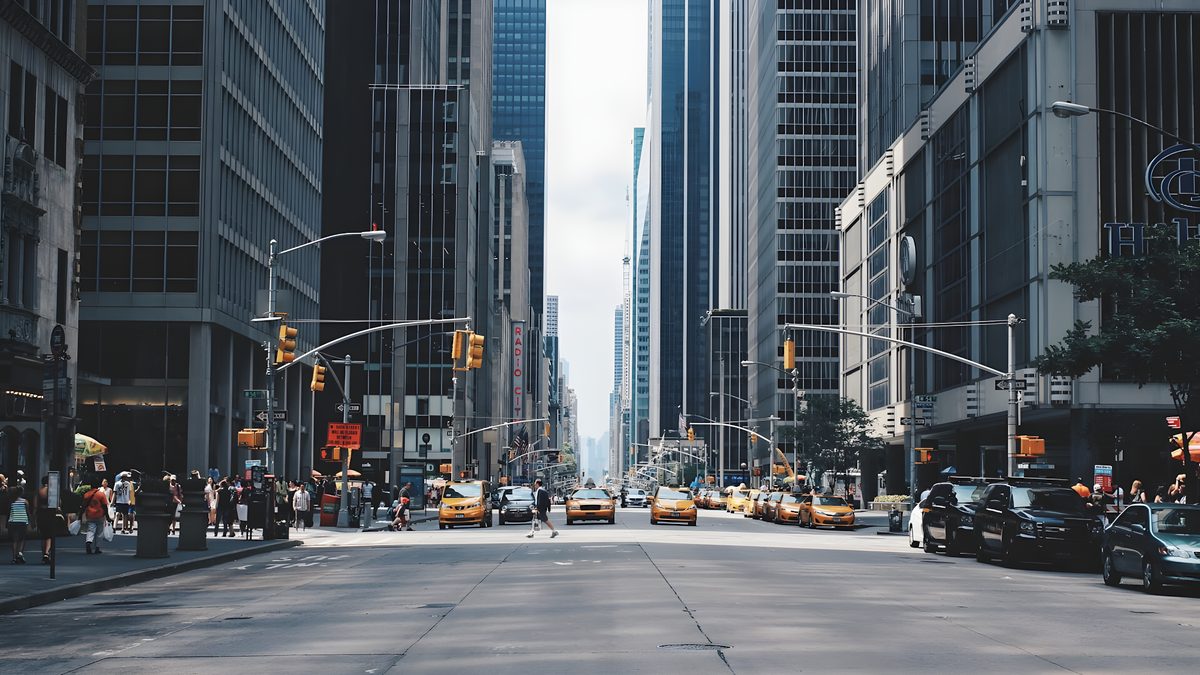
Product still
Clean edges and surface detail for catalog shots.
 BeforeAfter
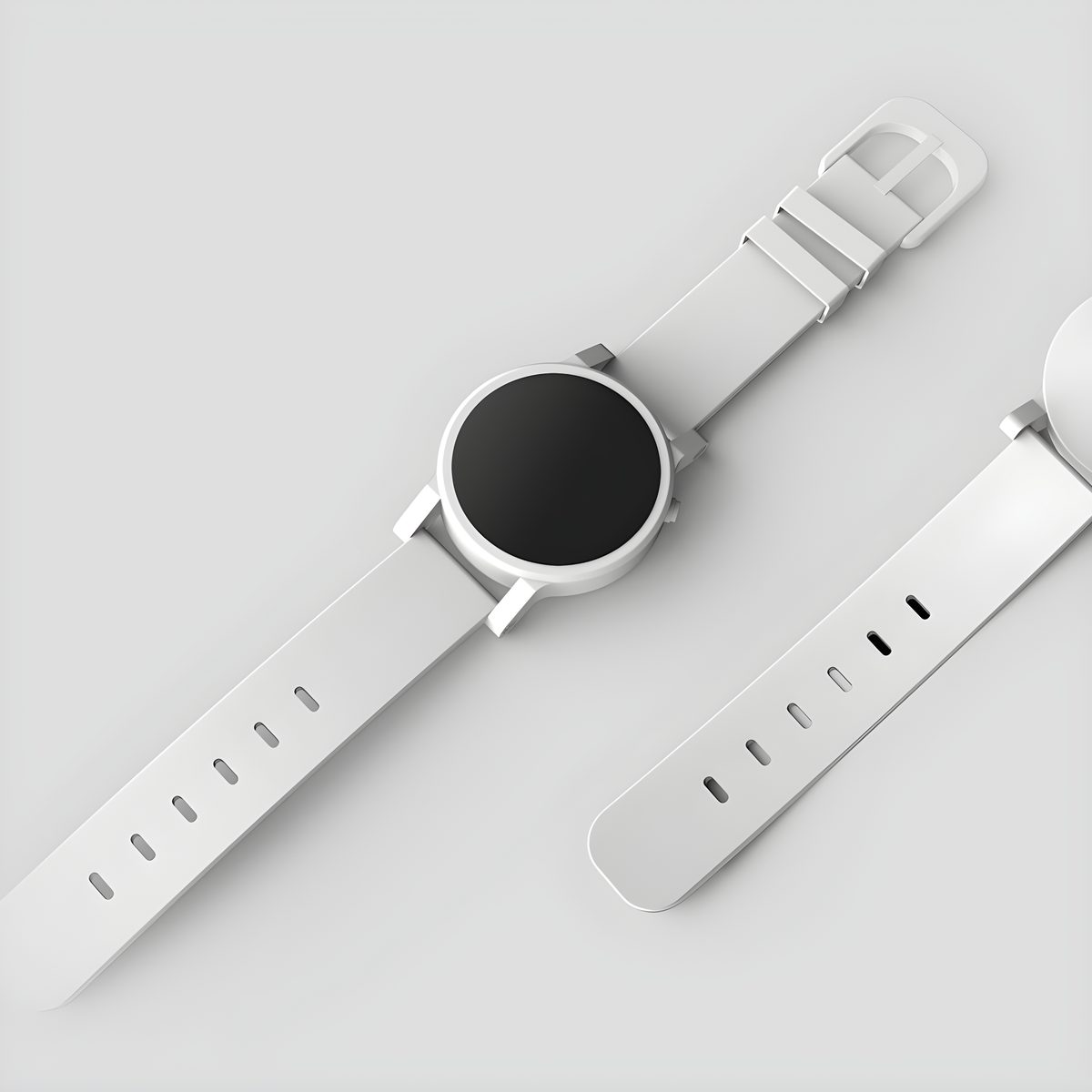
Artwork / illustration
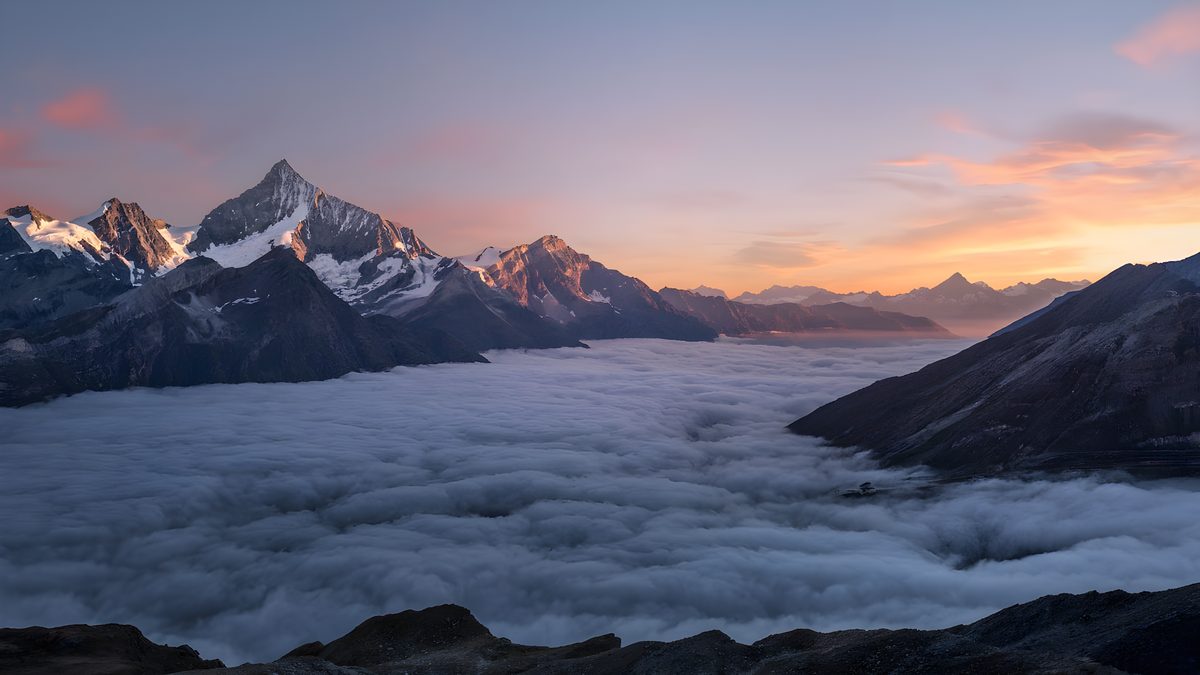
Enlarge creative assets for print-ready exports.
 BeforeAfter
Old photo rescue
Reduce pixelation on scanned or compressed pictures.
Step 1
Upload your image
Drop photos, artwork, illustrations, or AI-generated images. Accepts JPG, PNG, and WEBP.
Step 2
Choose resolution
Select 2K, 4K, or 8K based on publishing, print, or large-display needs.
Step 3
Download enhanced image
Preview on-page, then save a sharper high-resolution file.
Upscale photo resolution to 8K
Turn low-resolution images into sharper 2K, 4K, or 8K visuals — restoring edges, textures, and fine detail without simple pixel stretch.
Sharpen blurry images with AI
Bring clarity back to soft or compressed photos. Recover facial detail, fabric texture, and natural sharpness.
AI upscaling for design work
Enhance artwork, product visuals, and design assets for high-resolution output while keeping composition intact.
No added watermark
Downloaded images do not include a Tyndall watermark overlay.
Daily free credits let you try. Higher resolution tiers use more credits from your balance.
Yes, to run processing and apply credits. The landing page is public.
JPG, PNG, and WEBP up to about 25MB.
Yes — choose 2K, 4K, or 8K. 8K uses our highest enhancement tier (4× model scale); results depend on source quality.
No Tyndall watermark is added to image upscaler outputs.