
 BeforeAfter
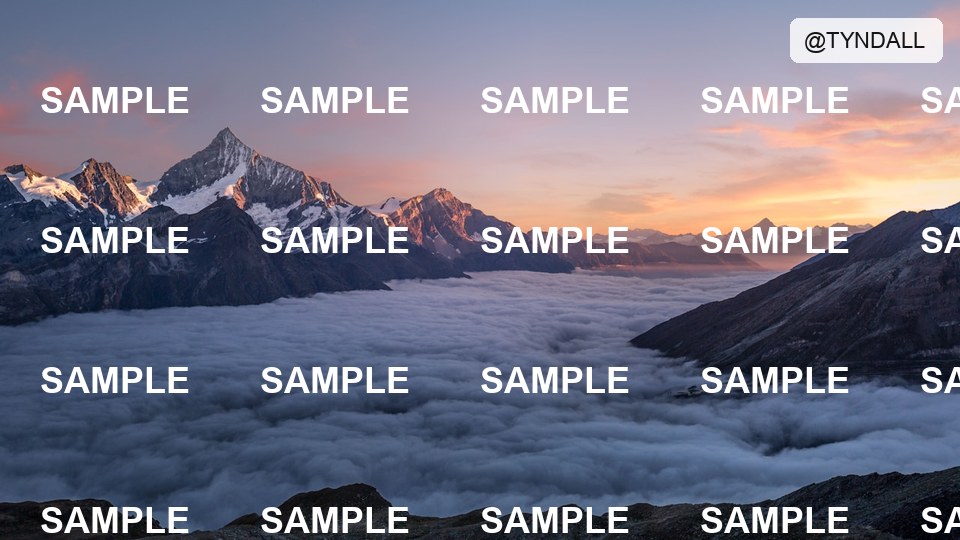
Corner logo
Hardcoded brand mark cleaned without cropping the frame.
Erase watermarks and text overlays with AI reconstruction · Online · Credits-based
Removal method
Platform logos, burned-in captions, and corner marks — before → after style.
BeforeAfterCorner logo
Hardcoded brand mark cleaned without cropping the frame.
 BeforeAfter
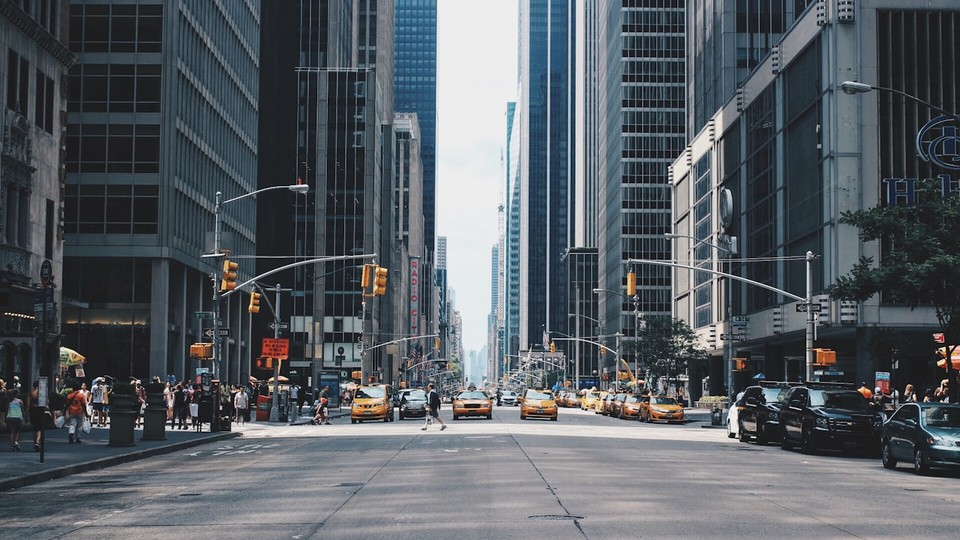
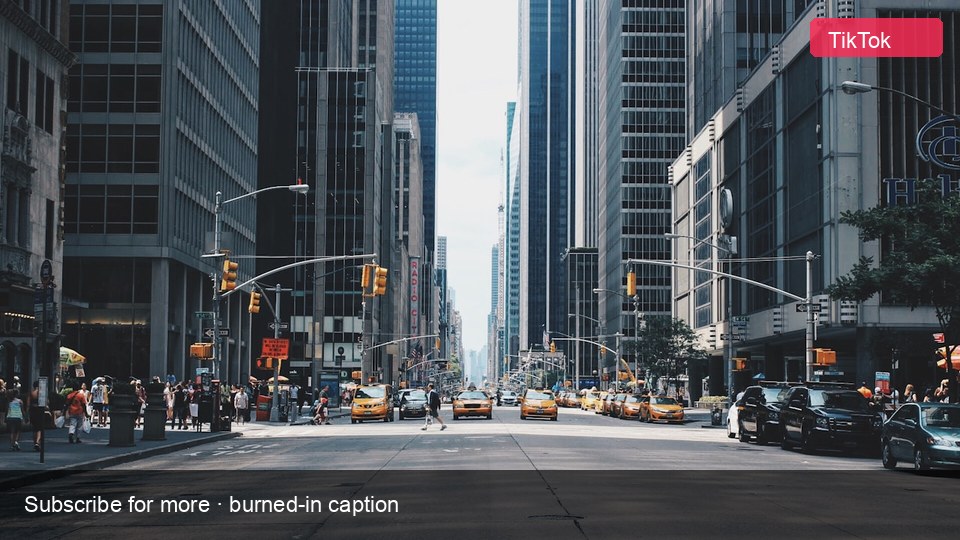
Burned-in caption
Subtitle-style text reconstructed out of the background.

 BeforeAfter
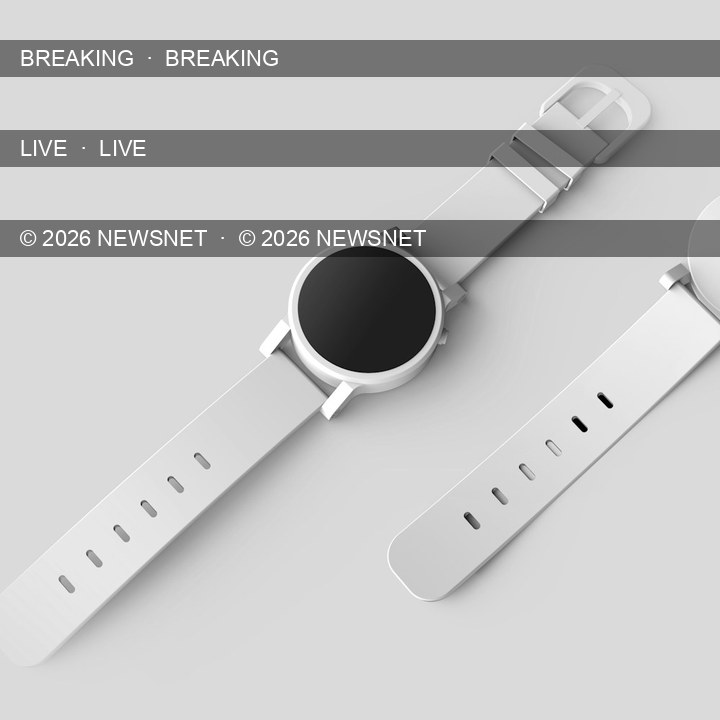
Repeating ticker
Moving overlays reduced so the scene stays watchable.

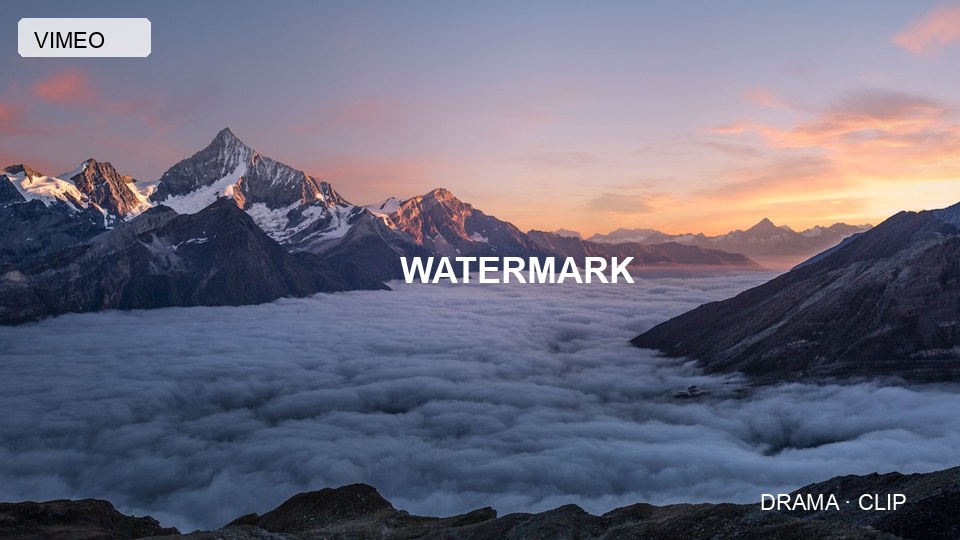 BeforeAfter
Social watermark
Username / platform stamp removed for a cleaner export.
Step 1
Upload your video
Drop an MP4, MOV, or WEBM clip with logos, captions, or platform watermarks.
Step 2
Pick an AI removal method
Hybrid auto-detects overlays and reconstructs the background. Use blur only for quick previews.
Step 3
Preview and download
Check the cleaned result on-page, then download a watermark-free export.
Auto detection
Detects hardcoded text, captions, and watermark-like overlays without manual cropping.
AI reconstruction
Inpainting rebuilds covered pixels instead of blurring or cutting the frame.
Multiple methods
Switch between hybrid, classic inpaint, fluid fill, or blur depending on the footage.
Browser-based
Run online — no desktop install. Sign in to process with your credits.
You get daily free credits to try tools. Larger or longer clips use credits from your balance.
You can open the page without signing in. Processing requires a free account so we can apply credits.
Default methods reconstruct the background with AI/inpainting. Blur is available as a fallback preview mode only.
MP4, MOV, and WEBM up to 50MB. Keep clips reasonably short for best results.
No. Tool outputs are delivered without an added Tyndall watermark.