 Character
Motion
ResultKling
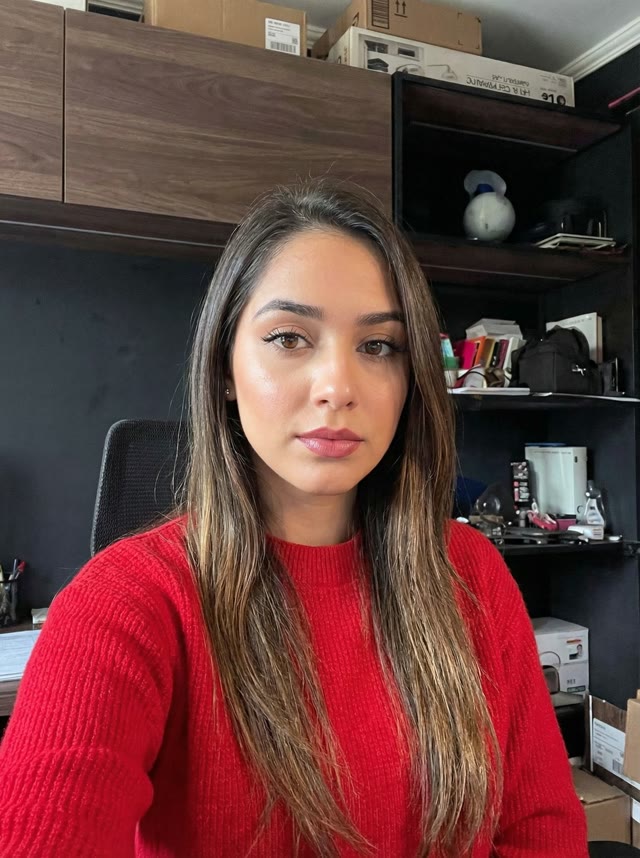
Office gesture transfer
Upper-body gestures and expressions copied from a waving reference onto a still portrait.
Character image + reference video · Kling 3.0 motion transfer · Std / Pro
Character orientation
Quality mode
Real Kling transfers: character image + motion reference → animated result.
CharacterOffice gesture transfer
Upper-body gestures and expressions copied from a waving reference onto a still portrait.
 Character
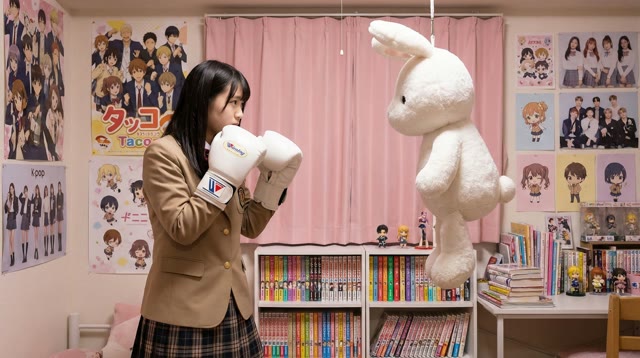
Boxing action transfer
Full-body punches and stance from a boxing clip applied to a character still.
Step 1
Upload a character image
Use a clear full-body or portrait still. Match framing to the motion clip when possible.
Step 2
Upload a motion reference
Pick a well-lit clip with a single subject — dance, gestures, or performance.
Step 3
Generate with Kling 3.0
Choose orientation and Std/Pro mode, then generate a video that keeps identity while copying motion.
Frame-accurate transfer
Maps body motion, gestures, and expressions from the reference video onto your character.
Identity consistency
Keeps face and outfit details stable across the generated clip.
Std and Pro modes
Std for faster 720p drafts; Pro for higher-quality 1080p output.
No mocap rig required
Skip expensive motion-capture setups — image + reference video is enough.
It transfers movement from a reference video onto a character image so the character performs that motion.
You can try with daily free credits. Longer or Pro runs use more credits.
Kling 3.0 Motion Control — the same class of model leading SERP tool pages.
Match image keeps facing from the still (shorter clips). Match video follows the reference orientation for longer motion.
Paid plans allow commercial use per our Terms. Free-tier use is for personal/non-commercial unless stated otherwise.