
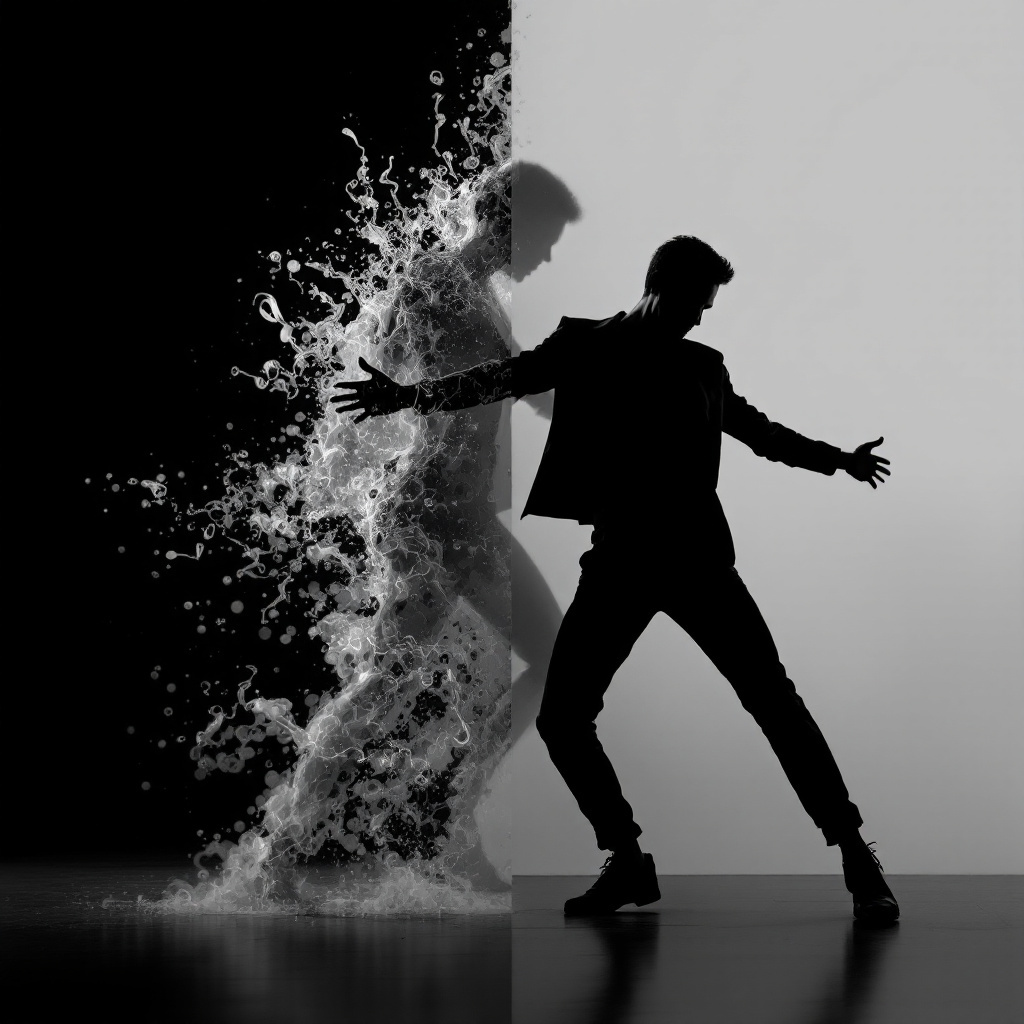
Recast Video
Upload one character photo and a motion clip. The photo supplies appearance; the video supplies the moves.
Image
Video
158
Related

How to use AI motion transfer
- Add a character photo Match the crop to the action — full body for dance, upper body for gestures, with hands and elbows visible when they move.
- Add a motion reference Upload one continuous performance clip. Trim to a single readable action with a clear start and finish.
- Generate and review Pick orientation and quality, run Recast Video, then check face, hands, and pose transitions before you download.
Motion transfer for creators
- Show the motion instead of describing it. Waves, dances, and timing are easier to copy from a clip than to invent in a text prompt.
- Identity from the photo. Face, hair, wardrobe, and style stay locked to your still while the body follows the reference.
- Orientation control. Match the photo or the video framing — same Std / Pro modes as AI Motion Control.
- Not Replace Anyone. Recast animates a still. Replace Anyone swaps people already inside a finished clip.
What is AI motion transfer?
Motion transfer (also searched as recast video or motion control) turns a character photo plus a reference performance into a new clip. The photo defines who appears; the video defines how they move — gestures, expressions, and body timing you can show instead of describe.
People use it for dance trends, character greetings, short ads, and expressive portrait clips. Results depend on how clearly the limbs stay visible in both inputs, so treat the first render as something to inspect before sharing.
Better inputs for cleaner transfers
- Match the photo to the action. Full-body motion needs head, hands, hips, and feet in frame. A tight headshot cannot invent legs.
- Keep one subject easy to follow. One visible performer, continuous shot, limbs that do not leave the frame mid-move.
- Start short in Std. Prove the pair of references before spending Pro credits on a longer take.
Recast Video / motion transfer FAQ
How do I do AI motion transfer online?
Upload a clear character photo and a short motion reference, choose orientation and mode, then run Recast Video on Tyndall.
Is Recast Video the same as Replace Anyone?
No. Recast transfers motion onto a still character. Replace Anyone edits people already inside an existing video while keeping that clip’s camera.
What files work best?
A sharp JPEG/PNG of the character and one continuous MP4/MOV performance. Match the crop to the body parts that move.
Do I need credits?
Yes. Credits match AI Motion Control (Std / Pro). Sign in, check the estimate, then run.